

How it works
Choose a look, sign in with Google and upload 1–3 clear photos of yourself. Select a quality option and review the credit cost. Your photos guide facial identity; the template guides styling, pose and scene. Each creation produces one new photo.
Illustrative demo · Results vary
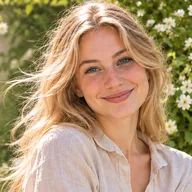
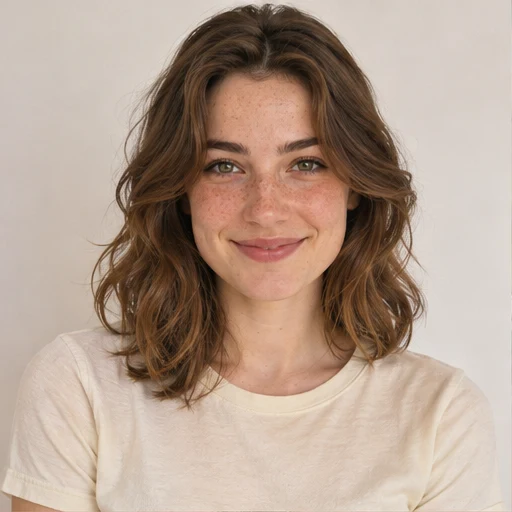
Soft & natural
For natural poses, look for relaxed shoulders, a gentle head turn and an easy expression. For natural light portraits, compare window light with outdoor shade. Simple styling keeps attention on the person.
Tips for this portrait style
Can I generate AI portraits with natural poses?
Yes. Choose a template with relaxed posture and soft light, then upload clear photos of yourself. AI creates a new portrait using your facial identity and the selected look as inspiration. This is new image generation, not an exact pose editor for an existing photo.
What makes a portrait pose look natural?
Relaxed hands, comfortable posture and a small smile can make a pose feel less formal. In natural portrait photography, gentle light and simple surroundings also help. Choose an example with those qualities, then use your photos as identity references for a new AI portrait.
Can I choose an indoor or outdoor portrait?
Yes. Choose a window-lit interior, a garden or a street scene from the gallery before adding your photos.
Showing 24 of 24 looks
You’re all caught up. Pick a look and make it yours.