

How it works
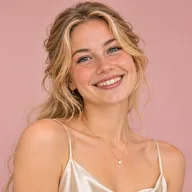
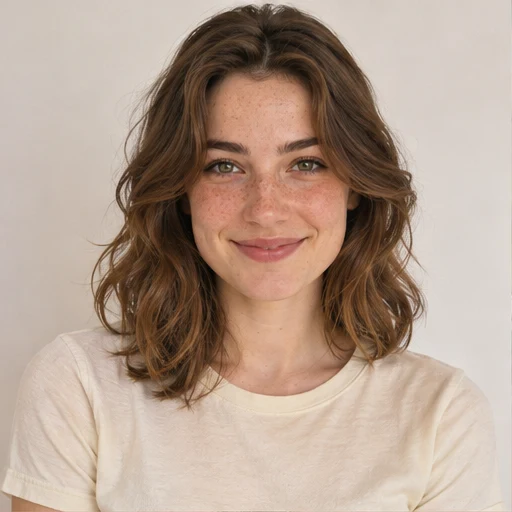
Choose a look, sign in with Google and upload 1–3 clear photos of yourself. Select a quality option and review the credit cost. Your photos guide facial identity; the template guides styling, pose and scene. Each creation produces one new photo.
Illustrative demo · Results vary
Glam portraits
Glamour photography brings styling, light and expression together. Full-length looks show the outfit and silhouette; close-ups emphasize makeup and expression. Compare studio light with evening settings before choosing your template.
Tips for this portrait style
Can I use this as an AI glamour photo generator?
Yes. Pick a glamour look, upload your own photos and choose a quality option. AI generates a new photo inspired by the styling, lighting and mood of the template, using your photos as identity references. Check the credit cost before creating; results may differ from the example.
Can I create an evening portrait from a selfie?
Yes. Use a well-lit selfie as a reference and choose an evening or studio look for the new portrait.
How do I choose between full-length and close-up glamour looks?
Choose full-length examples for dresses, body angles and the setting. Choose a close-up when you prefer the makeup, expression or lighting. These are template ideas for a new AI image of you; use clear reference photos so your face is easy to see.
Do my reference photos need glamour makeup or an evening outfit?
No. Use 1–3 clear photos of yourself with your face visible and evenly lit. Avoid heavy filters and sunglasses. Your photos guide facial identity; the selected template provides inspiration for makeup, clothing and lighting. Review the result, as facial details and styling may vary.
Showing 48 of 59 looks