

How it works
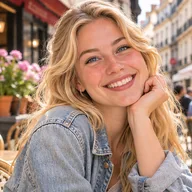
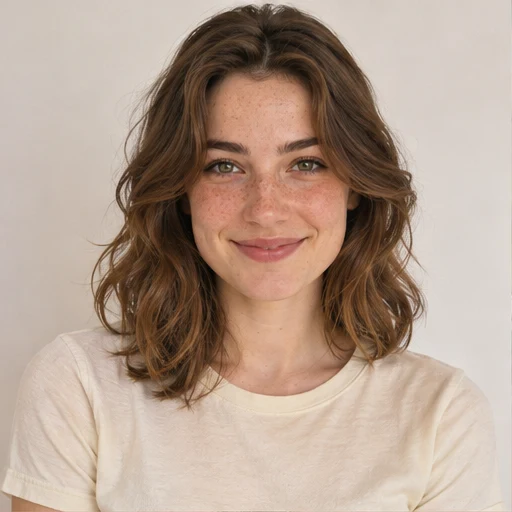
Choose a look, sign in with Google and upload 1–3 clear photos of yourself. Select a quality option and review the credit cost. Your photos guide facial identity; the template guides styling, pose and scene. Each creation produces one new photo.
Illustrative demo · Results vary
Social media photos
Start your Instagram photo ideas with a setting: a garden, a city street or a quiet room. Compare Instagram poses that show the outfit, expression or surroundings. For stories, choose vertical framing with room for your own text.
Tips for this portrait style
Can I use this as an AI Instagram photo generator?
Yes. Choose a look for a post or story, upload your own photos and select a quality option. AI generates a new photo using your facial identity and the template as inspiration. Check the credit cost before creating, then review and download the result to share yourself.
How do I choose an Instagram photoshoot idea?
Start with what you want to share: an outfit, a travel mood or an everyday moment. Compare poses, backgrounds and crops in the examples, then choose a template. AI creates a new scene with your photos as identity references; it does not document a real trip or event.
How do I share a photo I make?
Download the finished image from My creations, review it and upload it to the social platform of your choice.
Which looks work for Instagram posts and Stories?
For a post, choose a crop that gives the outfit or expression room to stand out. For a Story, start with a vertical template and leave space for text. Review the generated framing before downloading; you can crop and add text in Instagram.
Can I create several photos for my Instagram feed?
Yes, one photo at a time. Choose templates with similar lighting or colors to explore a shared mood. Each new creation uses credits, and details may vary between images. Review your face and the scene before sharing.
Showing 48 of 155 looks